
Introduction: Fast Changes Need Faster Signals
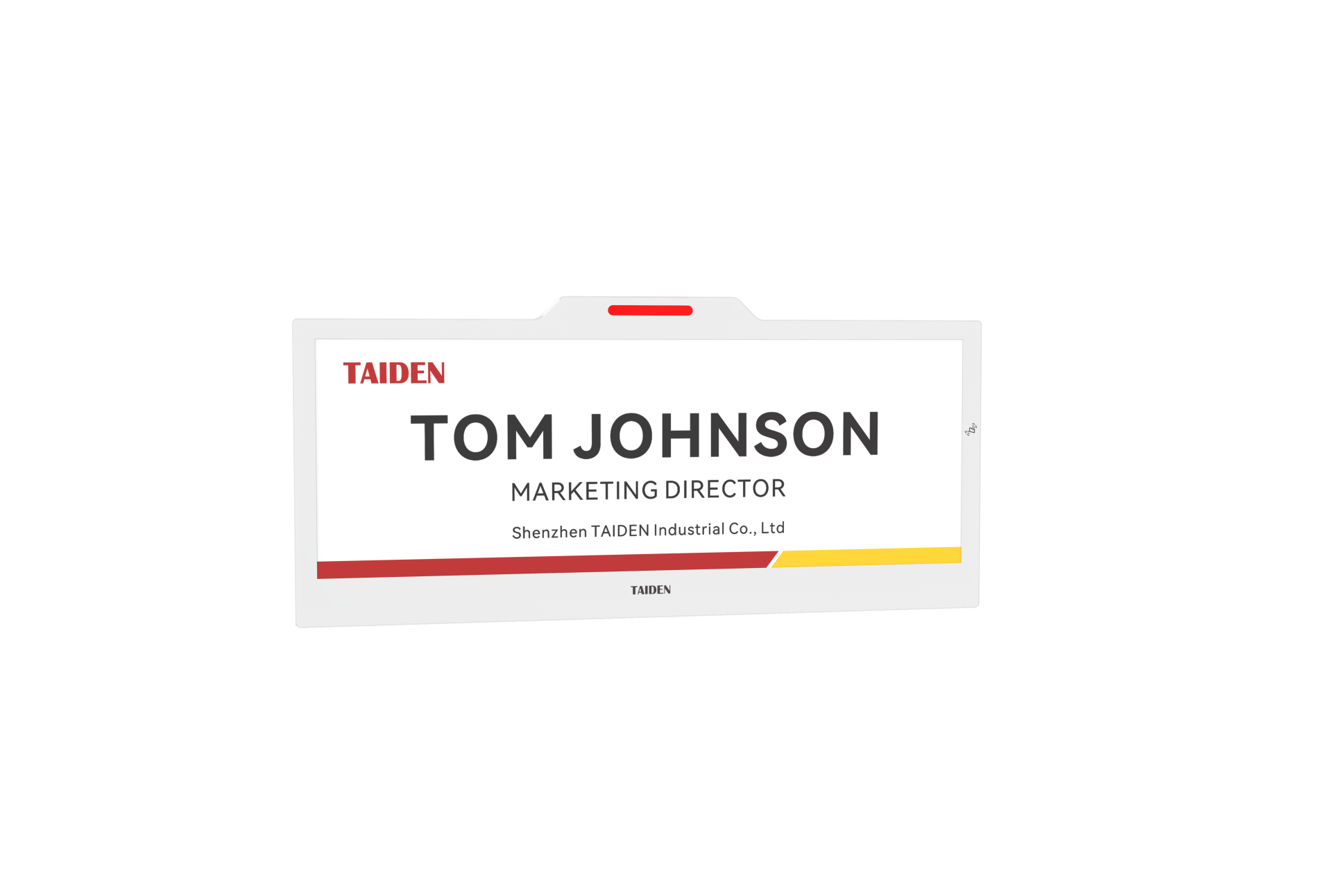
You can fix your meeting chaos faster than you think. A digital nameplate puts live info where eyes land first—on the desk, the door, the podium. Picture a busy Monday: rooms swap, teams split, guest speakers arrive late. In many offices, 40% of room bookings shift each week, and name signs fall behind by hours. That lag creates friction, missed cues, and awkward moments. What if your signs updated as fast as your calendar—every change, no extra clicks?
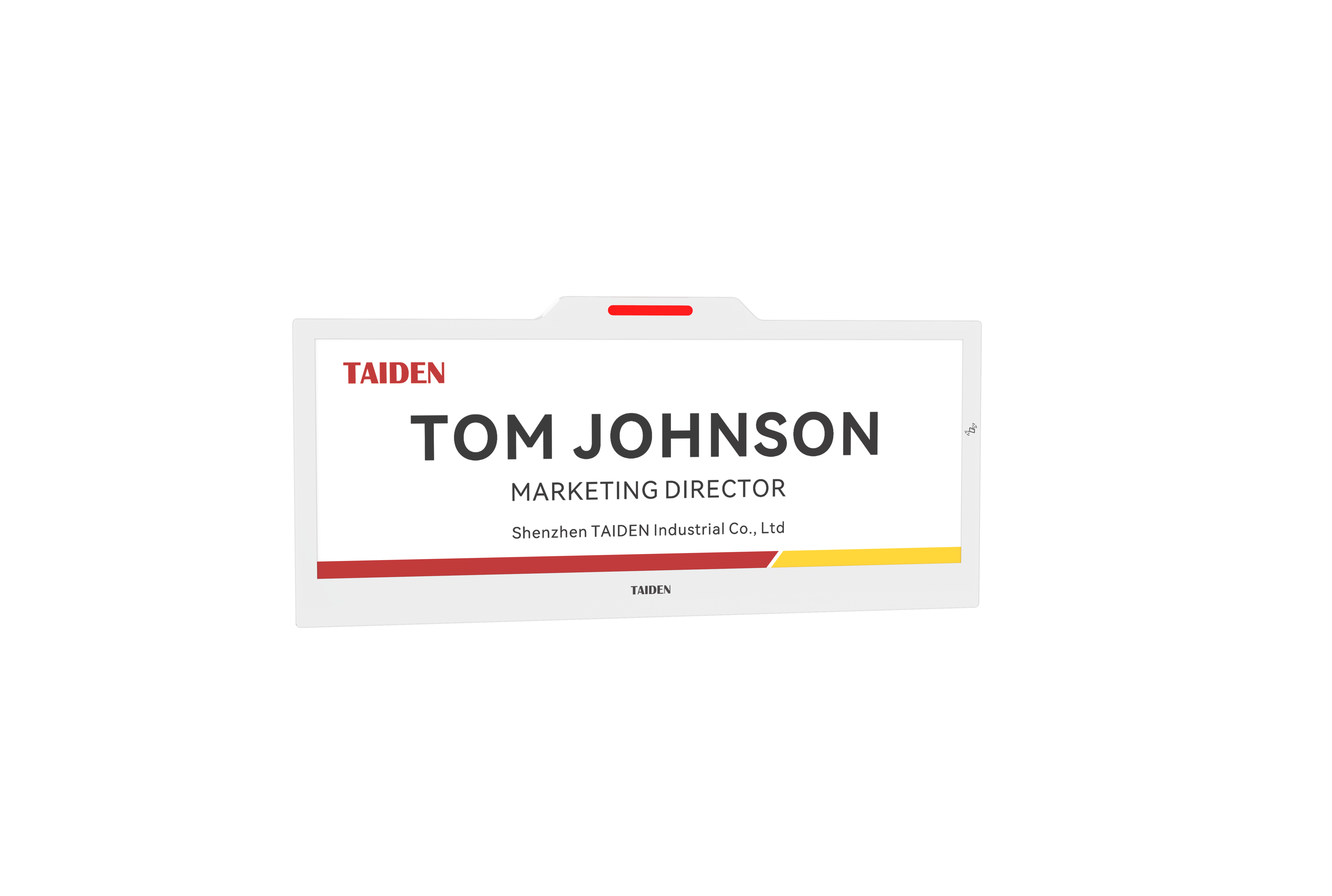
Here’s the simple truth: static placards don’t keep up with dynamic work. A digital system ties into your calendar, pushes updates over a low-latency network, and displays what matters now. The best setups use edge computing nodes to cut delay, BLE to sync nearby, and PoE to power units without clutter. That means less fuss for admins and fewer wrong turns for guests. You get clarity, on demand (no more sticky notes over old titles). So, what stops teams from switching—habit or a real barrier? Let’s break down the gaps—then map a better path.
Why Traditional Placards Fall Short (And What That Costs)
What’s really broken?
Paper signs look simple, but they hide work. Every title change, every room swap, means a manual step. That adds delay and errors. People print, tape, replace, repeat. Over a month, those steps stack up. Miss one, and a guest waits outside the wrong door—funny how that works, right? Static signs also can’t show status like “In Use,” “Do Not Disturb,” or “Next Session at 2 PM.” There’s no real-time pipeline. No device firmware to push updates. No MQTT stream from your calendar. No IoT gateway to route change events with confidence. In short, they can’t speak the language of modern operations.
There’s also a hidden cost. Paper cycles eat time and supplies. Temporary badges get lost. Plastic plates get tossed. Accessibility features—font size, contrast—are hard to standardize. Even small power converters for lit frames add clutter. A digital nameplate built on a low-power microcontroller and e-paper can last months on a charge. RFID or NFC can let staff tap to confirm room handoffs. Look, it’s simpler than you think: when data moves without people, people move without delay. That is the shift teams feel—less admin, more flow.
Next-Gen Principles, Compared: How Smart Displays Change the Game
What’s Next
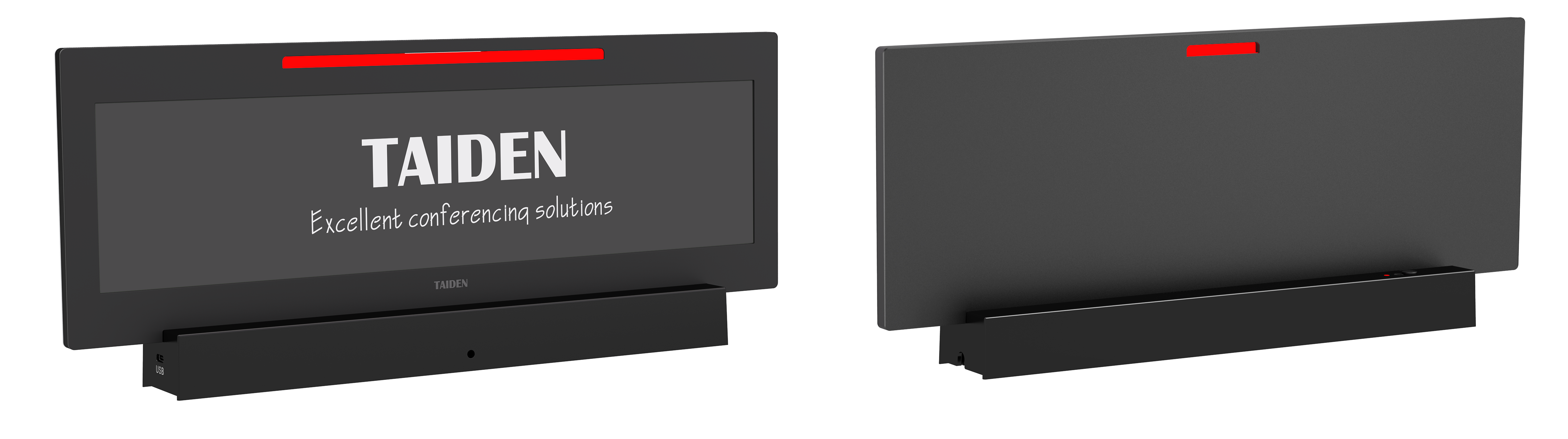
The new wave follows clear principles. Keep the screen readable. Keep the updates fast. Keep power use low. A modern unit pairs a paper like display with a tight data loop. E-paper holds text without drawing power. A smart scheduler batches updates, so the radio sleeps. PoE or a long-life battery removes outlets from the planning grid. Edge computing nodes near meeting areas cache entries, cutting cloud calls. The network stays lean, the latency stays low, and content stays accurate. Compare that to print flows: delays, reprints, and guesswork.
Now layer in real-world insight. Occupancy sensors can flip the state to “In Session.” BLE beacons can greet the right speaker. Firmware locks prevent edits from rogue devices. Over time, you gain a new metric: trust. People trust the sign because it is always right. You also gain control. Admins see device health, radio strength, and last update time at a glance. If you need visuals—logos, QR codes for agendas—the paper like display handles them with crisp contrast. And if a room changes last minute, the update lands in seconds—not hours.
Here’s how to choose well, with a simple, advisory lens. Use three evaluation metrics. First, update latency: target under 10 seconds from calendar change to on-device display. Second, power budget per device: measure mWh per day with real workloads. Third, admin overhead: log hours per month to add, move, or retire units—then aim to cut that by half. Small numbers reveal big wins—funny, but true. With these, you can compare vendors, pilot a floor, and scale with calm. Bring clarity to the surface, and the rest aligns. For teams planning a rollout, one steady partner helps keep the stack tidy: TAIDEN.

